
If you are a Citycom customer, you should have access to Citycom's billing platform
Account Login:
Logging In
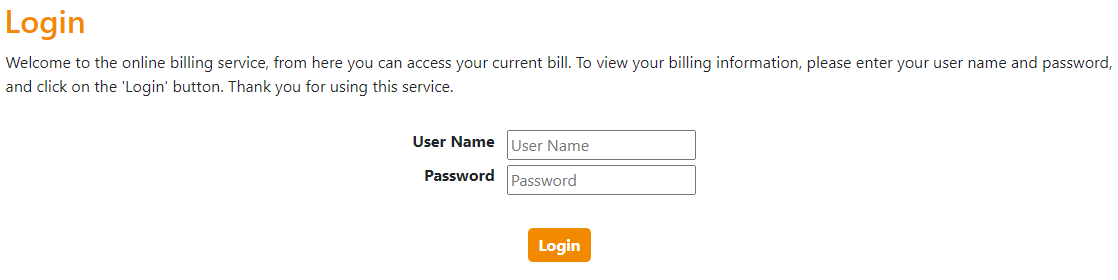
In order to be able to view your telephone bill online you need to log in. For this you need your username and password. Enter these in the appropriate boxes and click on the 'Login' button:
Successful Login
If you have entered the correct credentials you will gain access to view the information provided, which might include any current and previous statements, your itemised calls and services, and your payment history.
Unsuccessful Login
If you enter an incorrect account number or password then a message will appear on the web page telling you that the login is invalid.
If your details are entered incorrectly a certain number of times, your account will be disabled and no-one will be able to log on to your account, even if the login details are entered correctly. In this case you will need to contact Customer Support to get your account re-enabled using the below details:
03309121212
Please also contact Customer Support as per above if you are a Citycom customer and require access to the billing platform.
Comments
0 comments
Please sign in to leave a comment.